
Step 7 part 2: The last Step!
Step 7 part 2: The last Step!
An email work flow is a series
of emails sent to subscribers to share information. It's a crucial tool for building relationships and nurturing leads.
Here's how to add one:
Navigate to the 'Emails' Section: In the Systeme.io dashboard, click on the 'Emails' tab, then on 'Campaigns'.
Create a New Campaign: Click the '+ Create' button to create a new email campaign. Give your campaign a descriptive name (e.g., 'Welcome Series').
Create Emails: Within the campaign, create a series of emails. Click the '+ Add an email' button.
Configure Email Settings: For each email, configure the sender name, sender email address, subject line, and body content.
Write Compelling Content: Craft engaging email content that provides value to your subscribers. Introduce your brand, share helpful resources, and offer exclusive discounts.
Set Send Times: Determine the optimal send times for each email. Consider spacing the emails out over a few days or weeks.
Personalize Emails: Use personalization tags (e.g., subscriber's name) to make your emails more personal.
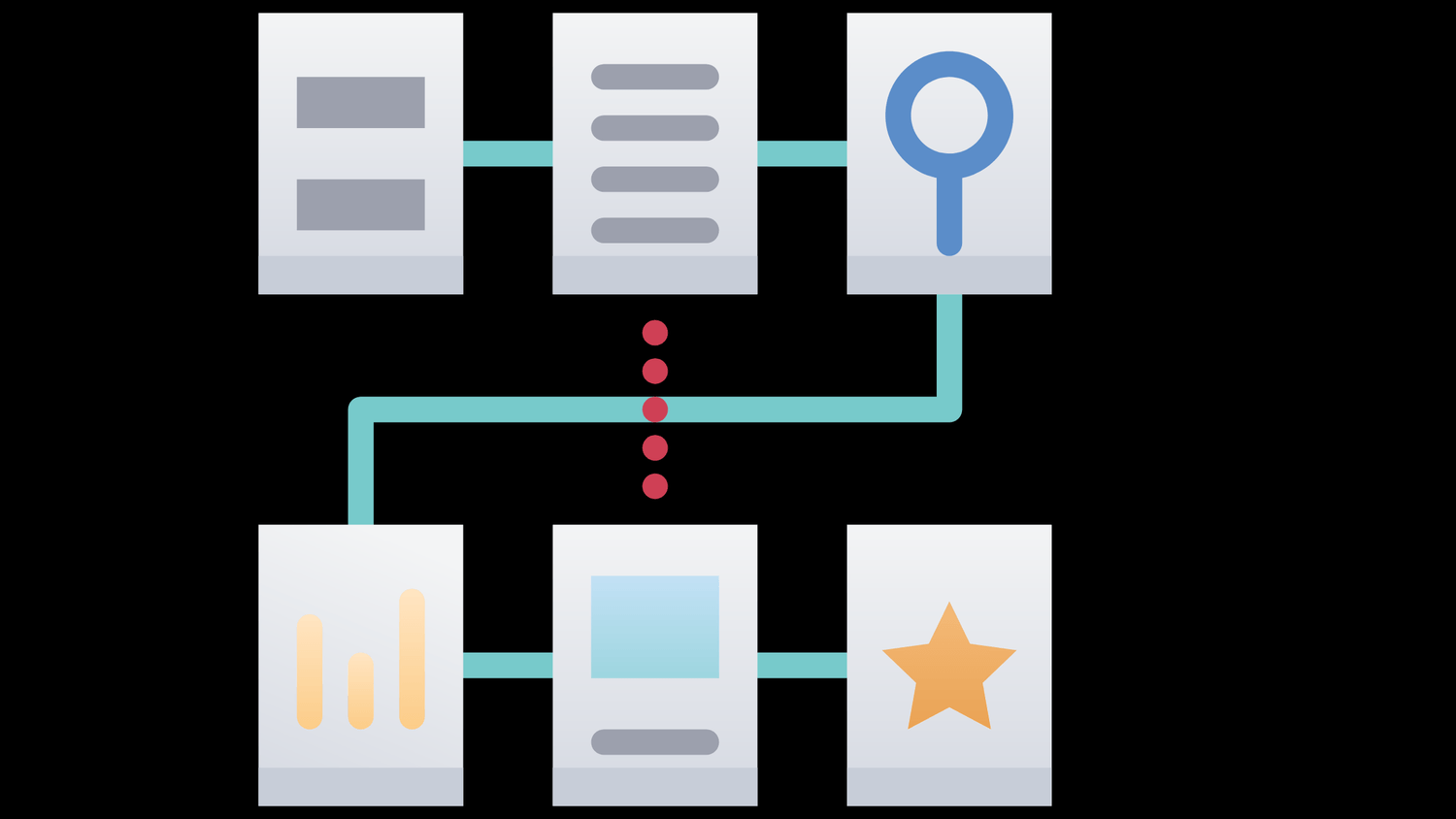
Connecting your funnel to your email work flow ensures that subscribers are automatically added to your all encompassing email list and receive all of the information. Here's how to connect it:
Go back to your funnel: Return to the 'Funnels' section.
Select your Funnel: Open your funnel.
Select your Landing page: Make sure you are in the correct step of the funnel, in the first page, usually the landing page.
Go to 'Automation rules': Click the 'Automation Rules' icon.
Add an action: Click 'Add action'.
Select the action: Pick what action you want to happen (e.g. Subscribe to campaign), then select the appropriate campaign to subscribe the user to.
Before launching your funnel to the public, it's essential to thoroughly test every link in it to ensure that everything is working correctly and subscribers are going where we need them to be.
Here's how to do it:
Test the Entire Process: Go through the entire funnel process as a user would. Visit your landing page, submit the form, and check that you receive the thank you page and welcome emails.
Check Form Submissions: Verify that form submissions are being captured correctly and that the data is being stored in your Systeme.io account.
Test Email Deliverability: Check that your welcome emails are being delivered to your inbox and that they are rendering correctly.
Verify Links: Click on all links in your funnel and emails to ensure that they are working and redirecting to the correct pages.
Ask for Feedback: Ask friends or colleagues to test your funnel and provide feedback. A fresh set of eyes can often identify issues that you may have missed.
Test Mobile Responsiveness: View your funnel on different mobile devices to ensure that it is displaying correctly.
Check Analytics: Verify that analytics are being tracked correctly. Ensure that you are able to track conversions, page views, and other important metrics.
Use Different Browsers and Devices: Test your funnel using different web browsers (e.g., Chrome, Firefox, Safari) and devices (e.g., desktop, laptop, smartphone, tablet) to ensure compatibility.
Improve as you learn more: Don't be afraid to make changes to your funnel based on your testing results. Continuous improvement is key to maximizing your funnel's performance.

Now that we have your social media set up - on to
Branding is what sets you apart in every instance!


© Created with systeme.io